
Caso di studio: giovium Password Manager
Un gestore di password multipiattaforma, privacy-first, self-hosted e offline-first, realizzato pensando a sicurezza e velocità.
Panoramica
giovium è un gestore di password completamente gratuito, auto-ospitato e offline-first, disponibile su iOS, Android, macOS, Windows e Linux. È stato creato per colmare una lacuna critica nell'ecosistema: dare agli utenti il controllo completo sulle proprie credenziali sensibili senza account cloud obbligatori, pubblicità o paywall predatori.
La sua architettura si basa su standard di sicurezza di livello industriale e primitive crittografiche moderne, garantendo un paradigma zero-knowledge in cui i tuoi dati restano esclusivamente tuoi e le chiavi non lasciano mai il tuo dispositivo.
Funzionalità e caratteristiche principali
- Crittografia a conoscenza zero: La tua cassaforte è bloccata tramite derivazione della password Argon2 con estrema durezza della memoria, rendendo la parallelizzazione quantistica fisicamente difficile e proibitivamente costosa. I dati vengono crittografati con XChaCha20-Poly1305 a 256 bit sul tuo dispositivo locale. Il server di sincronizzazione memorizza solo blob di testo cifrato e non ha alcun modo matematico per accedere alla tua password principale o alle tue credenziali.
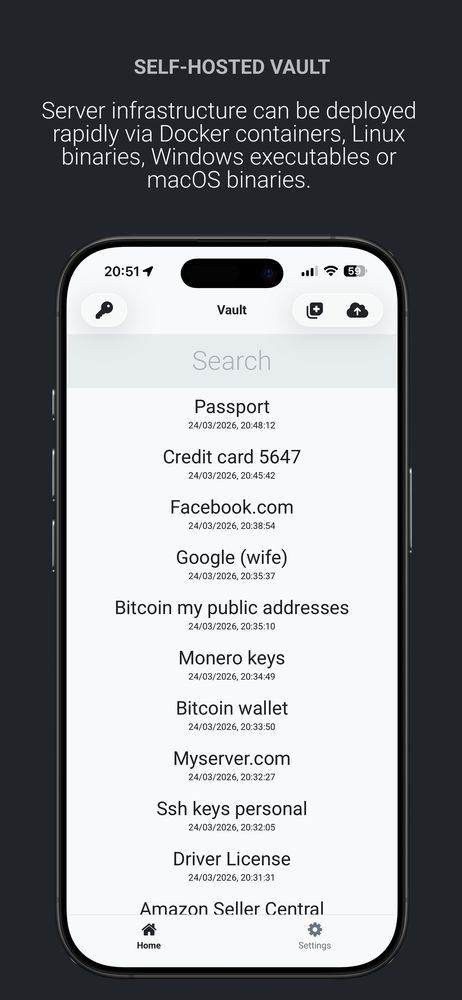
- Offline-first & sincronizzazione gratuita: Archivia tutto localmente sul tuo disco. Sincronizza tra i dispositivi alle tue condizioni utilizzando un backend self-hosted (distribuibile tramite Docker o binari per Linux, macOS o Windows), bypassando i server cloud di terze parti.
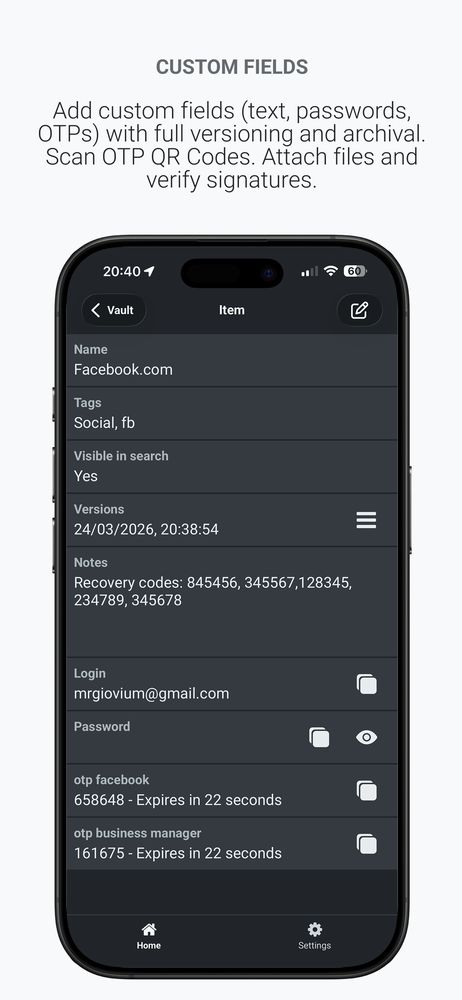
- Autenticatore integrato: Memorizza e genera in modo nativo password monouso basate sul tempo (TOTP/2FA) direttamente all'interno dell'app, eliminando la necessità di un'app di autenticazione separata. Configurazione facile tramite inserimento manuale o scansione automatica del codice QR.
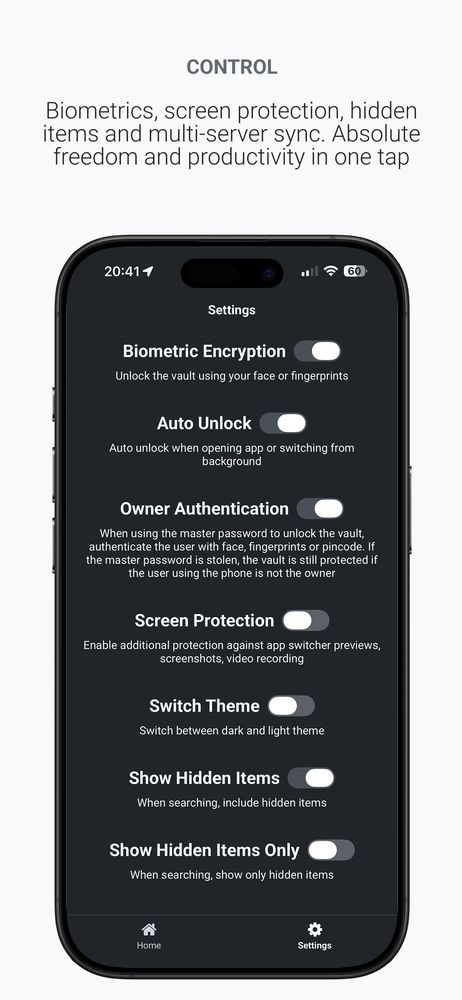
- Integrazione biometrica & anti-spionaggio: Si integra con moduli di sicurezza hardware (es. Secure Enclave) per uno sblocco biometrico sicuro. Include scudi attivi che prevengono screenshot, registrazioni dello schermo e l'esposizione in background nel selettore app.
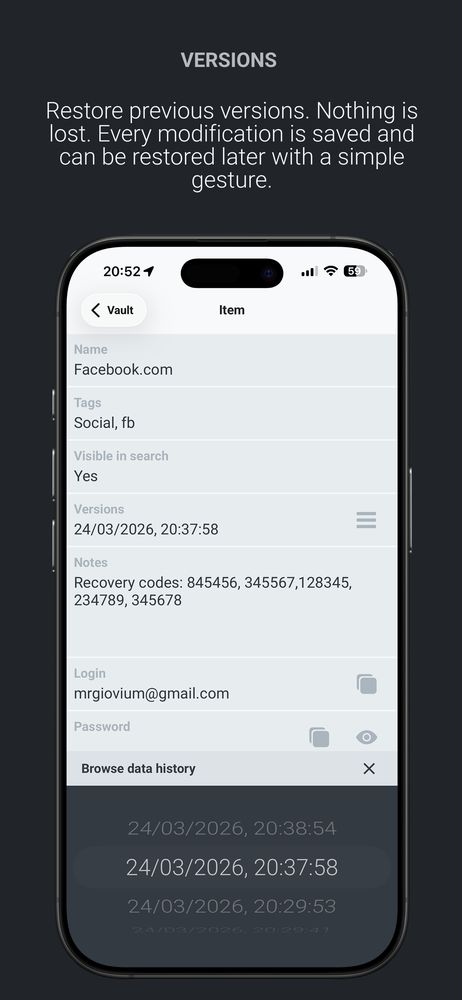
- Versionamento append-only & risoluzione dei conflitti: Opera su una struttura dati immutabile in cui le modifiche vengono aggiunte in coda, consentendo agli utenti di ripristinare le versioni precedenti delle credenziali. Include protocolli intelligenti di risoluzione dei conflitti che prevengono permanentemente la duplicazione dei dati.
- Nessuna registrazione cloud: Inizia subito a usare l'app. Non sono richiesti moduli di registrazione, passaggi di validazione dell'email o validazioni telefoniche per utilizzare la cassaforte. Piena proprietà dei dati.
Screenshot dell'interfaccia
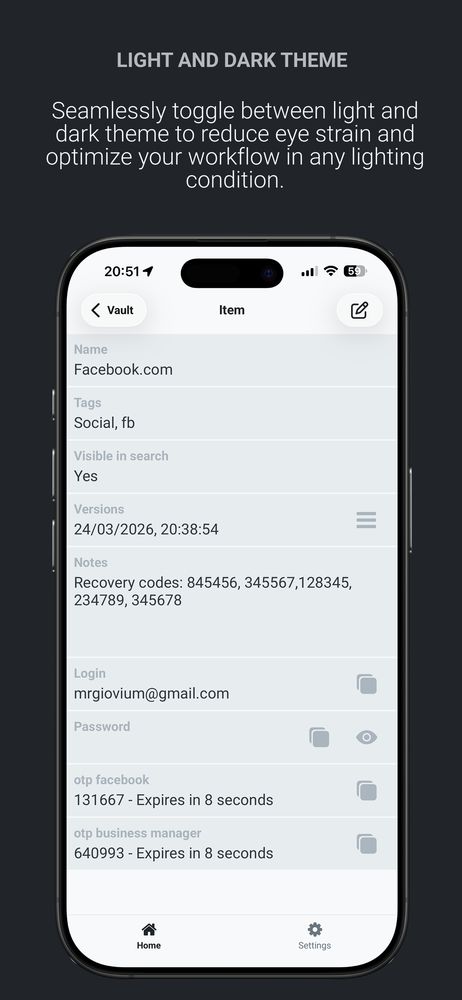
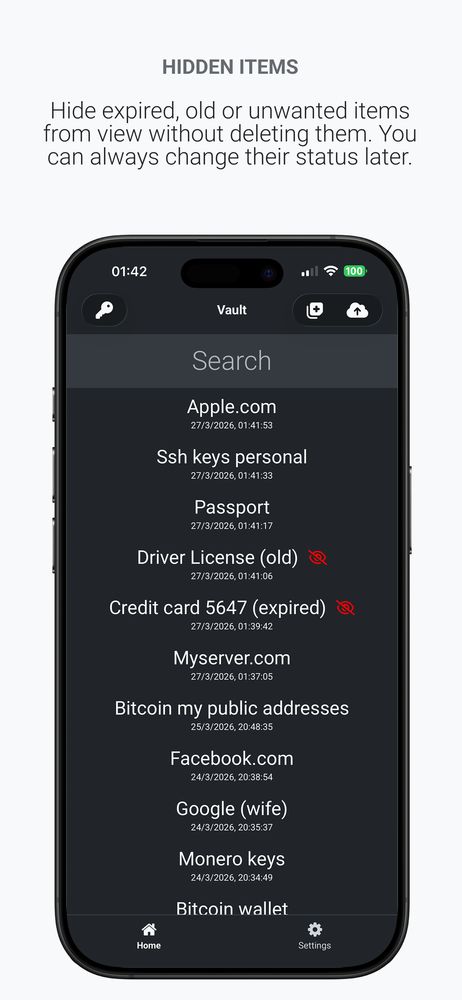
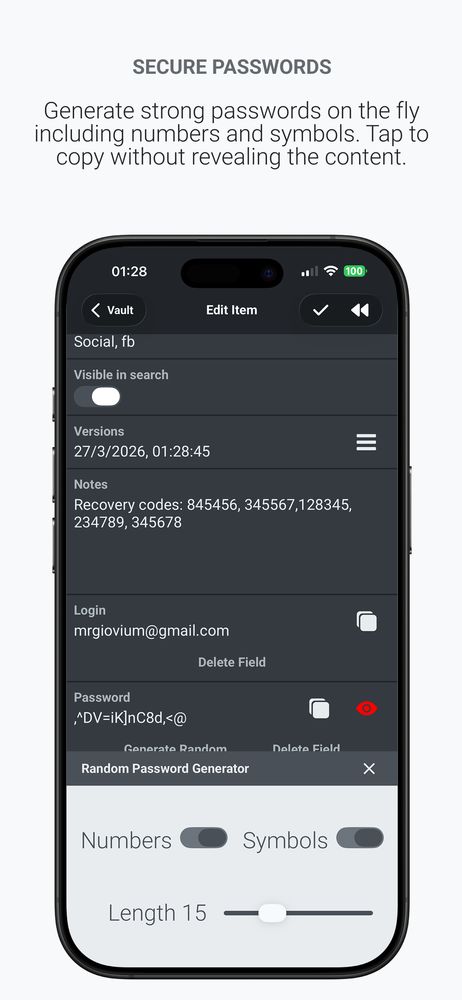
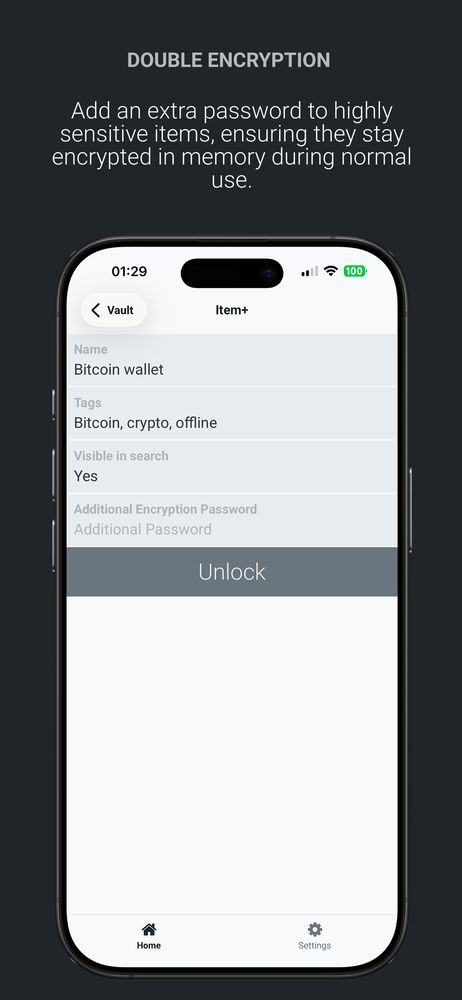
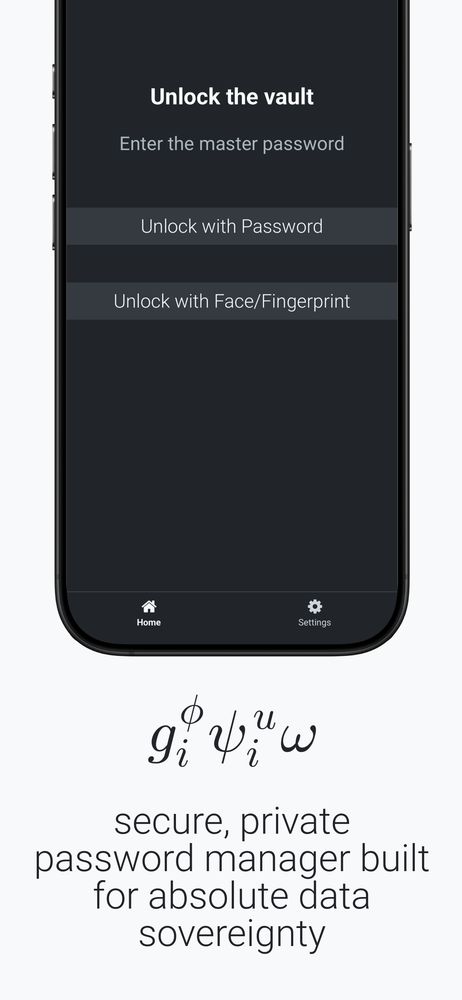
Di seguito sono riportati screenshot ad alta risoluzione che mostrano l'interfaccia responsive su diversi viewport.
Screenshot desktop


Screenshot tablet


Screenshot mobile